
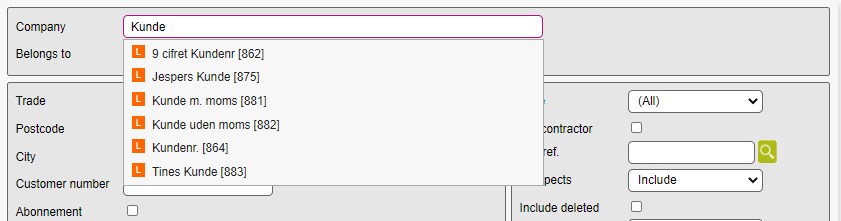
By default, ones search results look like this:
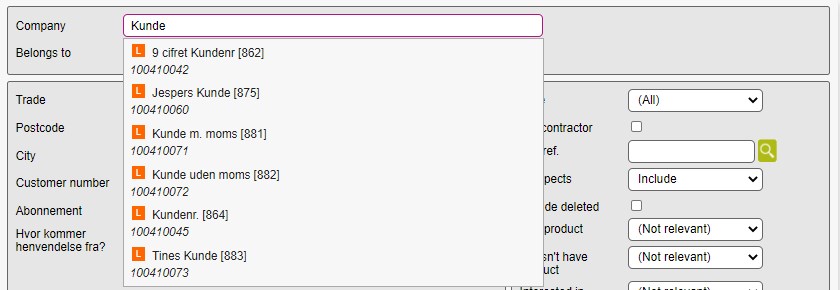
You can choose to show the customer number in your search results, so it looks like this:
Need
The following instructions can be used to set what is to be displayed for auto-complete on the various modules.
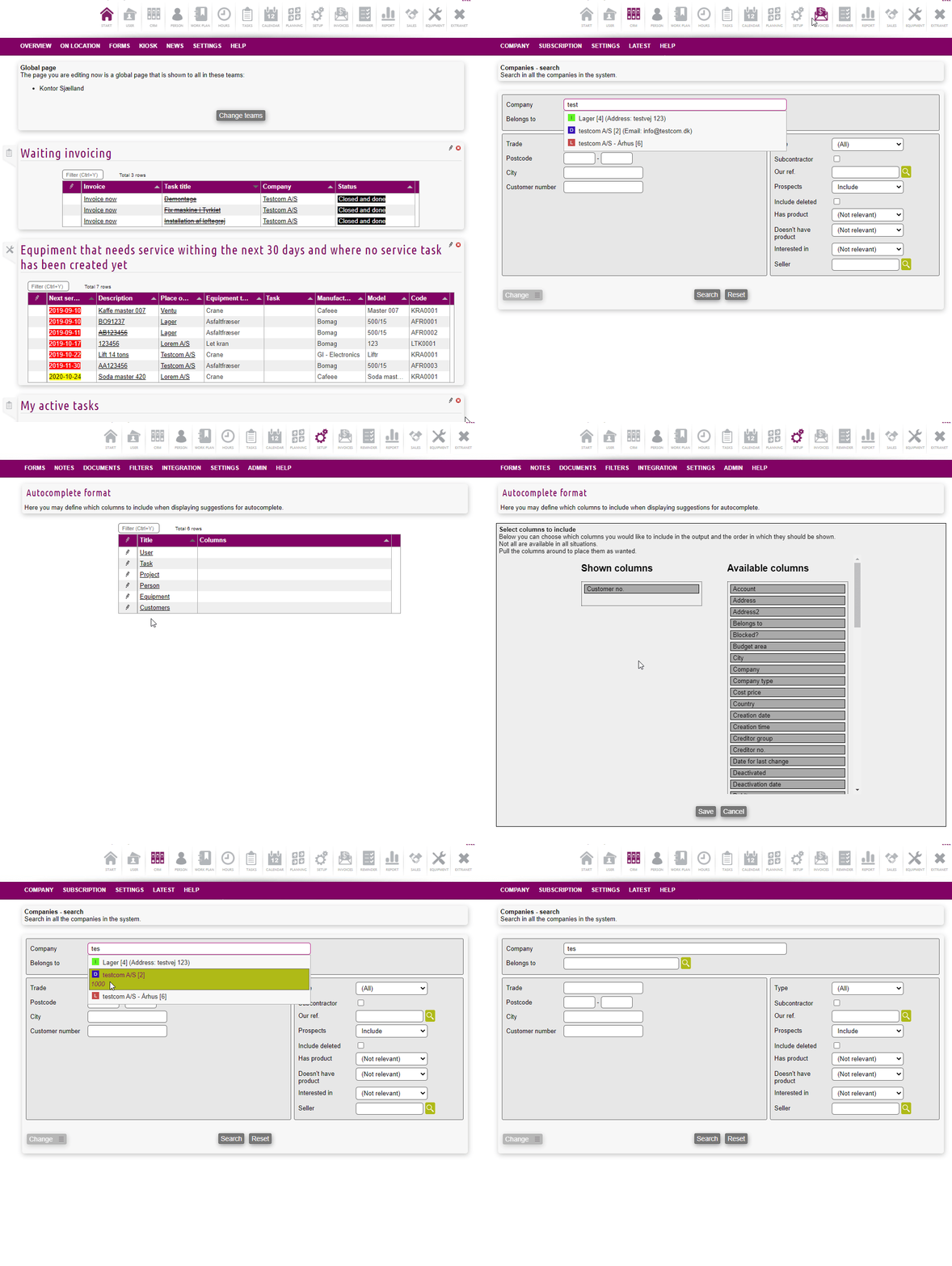
Step-by-step guide
-
Log on to your solution
-
Access the Setup-module
-
Press on SETTINGS > AUTOCOMPLETE
-
Edit the information for each object type
-
Save
Related content